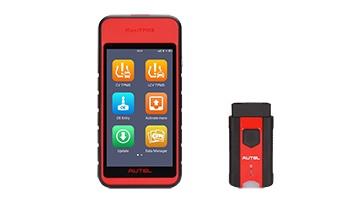
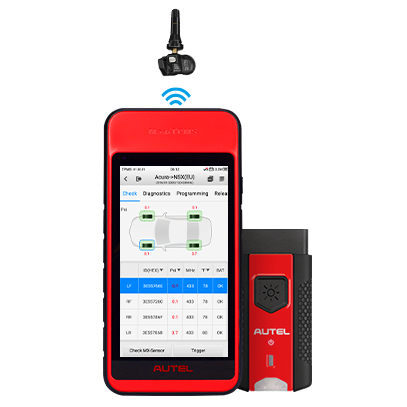
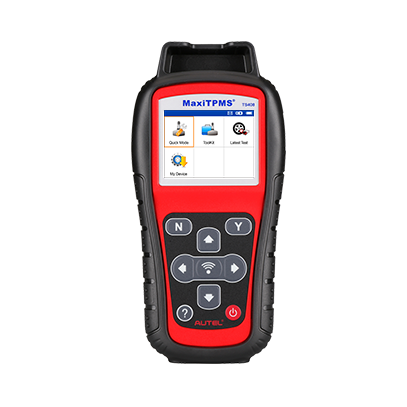
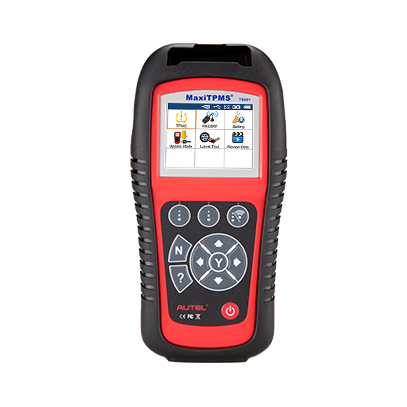
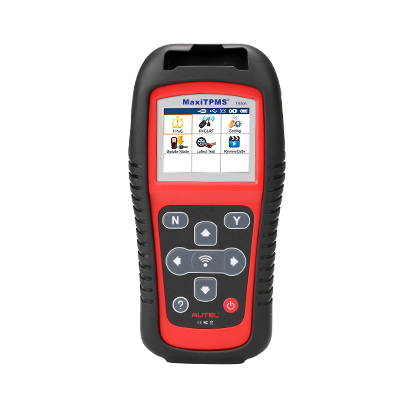
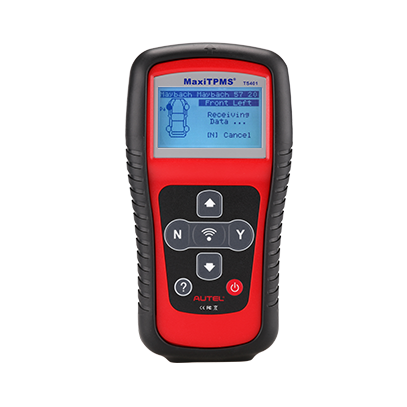
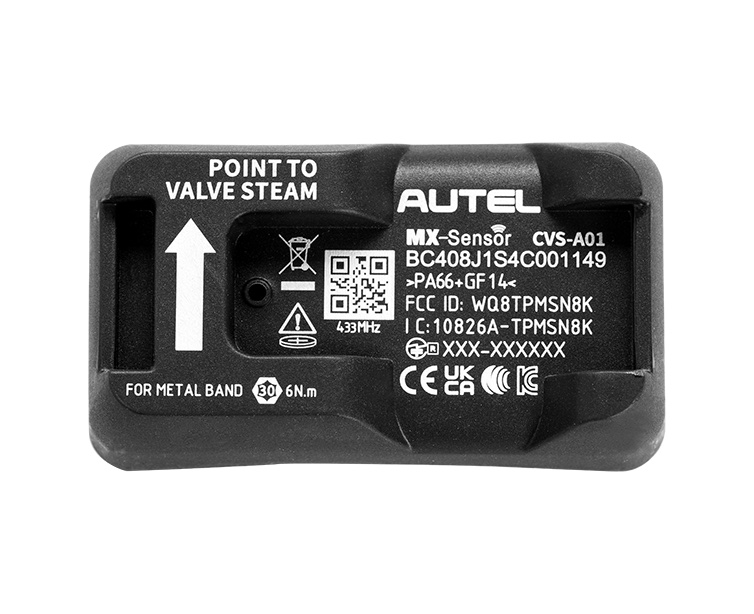
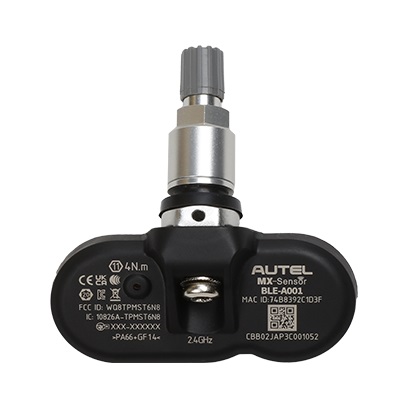
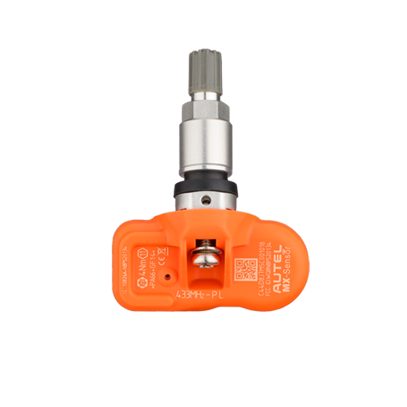
TS401

TS401 update application: MaxiLinkII_V1.04
TS401 software update pack: TS401_Update_GL_V5.61
Note: TS401 needs no registration.
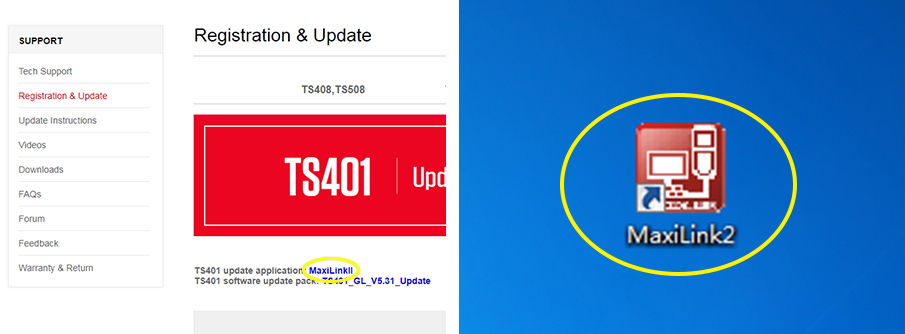
Click “MaxiLinkII” to download the application and install “MaxiLinkII” on your PC.
Unzip and Install MaxiLinkII. Once installed, the MaxiLink2 shortcut displays on the desktop.
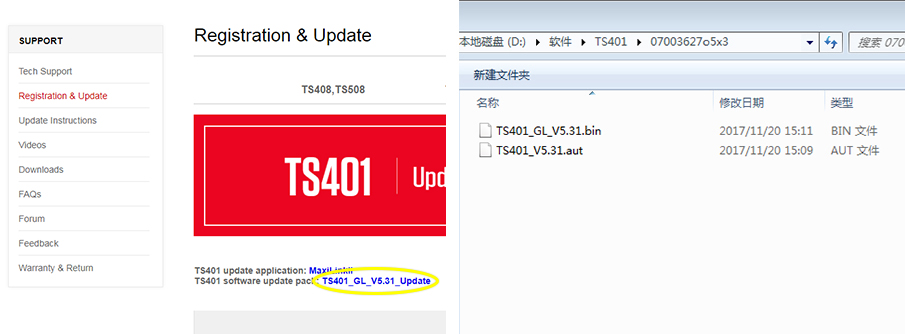
Click TS401 software update pack to download the zip file. To unzip the file, right-mouse click on the file and select Extract All. Remember to note the location of extracted folder.
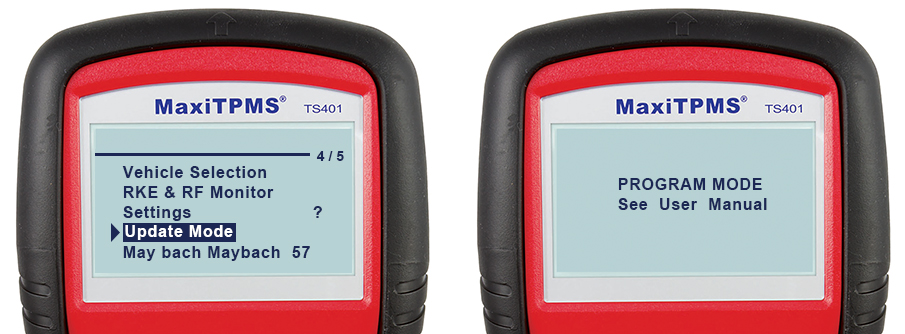
Connect the tool to the computer using the supplied USB and select Update Mode on the tool.
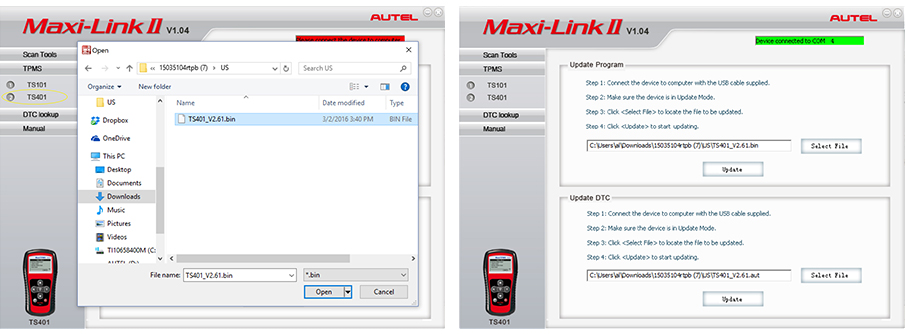
Launch MaxiLink2 on the PC and then select TS401 on the left-hand side of the screen under the TPMS tab. Under Update Program, click on Select File and browse to the software update you downloaded. Open the folder labeled GL, select the file within (the file extension is .bin) and click on Update.
The application will communicate with the tool and update. The PC application and the tool will display a message once the update is completed.
Next, under Update DTC, click on Select File, browse to file (the file extension is .aut) and click on Open, and then click on Update.
The application will communicate with the tool and update its software. The PC application and the tool will display a message once the update is completed.
IMPORTANT: Both the TS401 file and the DTC file must be updated for the tool to function correctly.